
Home > In-Person Workshops > Lightroom Classic 1



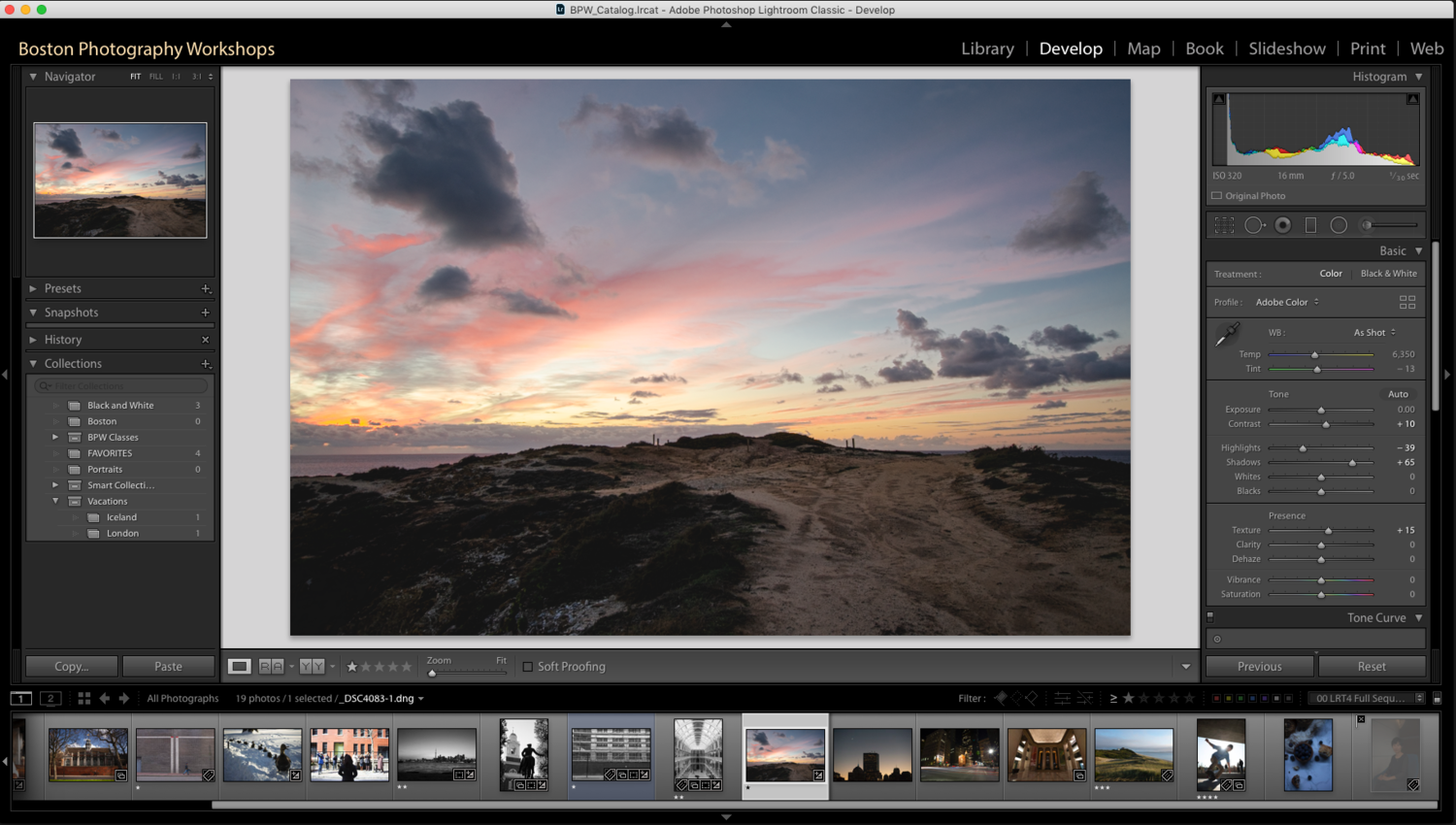


Lightroom Classic 1
Edit, organize, and love your photos.
Bring your photos to life using this fun, and easy to use program.
You dont need to be a professional photographer to get professional looking photos. Editing with Lightroom can be as easy as any phone based app you’re probably already using.
Together we’ll learn how to use Lightroom Classic’s editing and organization tools. With simple, fun, and easy to understand instruction this course makes editing fun, not confusing.
Recommended:
Topics Covered:
What is Lightroom / Lightroom Classic?
How and where to store your photos
Lightroom editing tools
How to fix and enhance any photo
How to save & share photos quickly.
~Please Note: we recommend using Adobe Lightroom Classic
What to bring:
Laptop computer and charger.
Notepad and pen/pencil.
Download a free 7-day Lightroom Classic Trial before class.
Do you need a laptop? We offer rentals here.

Learn the program which countless photographers use to simplify their photography library
Editing is the bridge between what your camera sees and what you envision. Learn how to edit or “process” your images while also learning how to streamline your digital workflow and reduce clutter.
Together we’ll learn how to use Lightroom Classic’s catalog system, editing tools, and sharing options. At the end of this extended workshop, you’ll feel more confident in your photo-editing and organization.
Suggested Prerequisites:
Topics Covered:
A beginners guide on how to approach editing
A comprehensive look at basic develop/editing tools
Lightroom’s exporting/saving options.
~Please Note: the content of this workshop is based on Adobe Lightroom Classic (not “Lightroom”).
What to bring:
Laptop computer and charger.
An external hard drive
Notepad and pen/pencil.
Download a free 7-day Lightroom Classic Trial before class.
Note: most tablets cannot run the proper Lightroom Classic program and therefore are not recommended for class.
Do you need a laptop? We offer rentals here.
Level: Beginner/Intermediate
Duration: ~3.5 hours
Location: South Boston Studio
Class size limit: 7
Cancelation Policy: Running these small group workshops means attendance is important and cancelations impact our studio. Please review our transfers and cancellation policies, to learn more.
Related Workshops

Online: Organizing Your Photos

Lightroom Classic 2

Online: Composition Basics

Photo Projects for Beginners